ZaamKit
App Store screenshot maker · macOS
Create App Store screenshots on your Mac with templates, device frames, and precise editing controls. Localize screenshot text and listing content, then export or upload to App Store Connect.
Screenshots
App Store screenshot maker for Mac
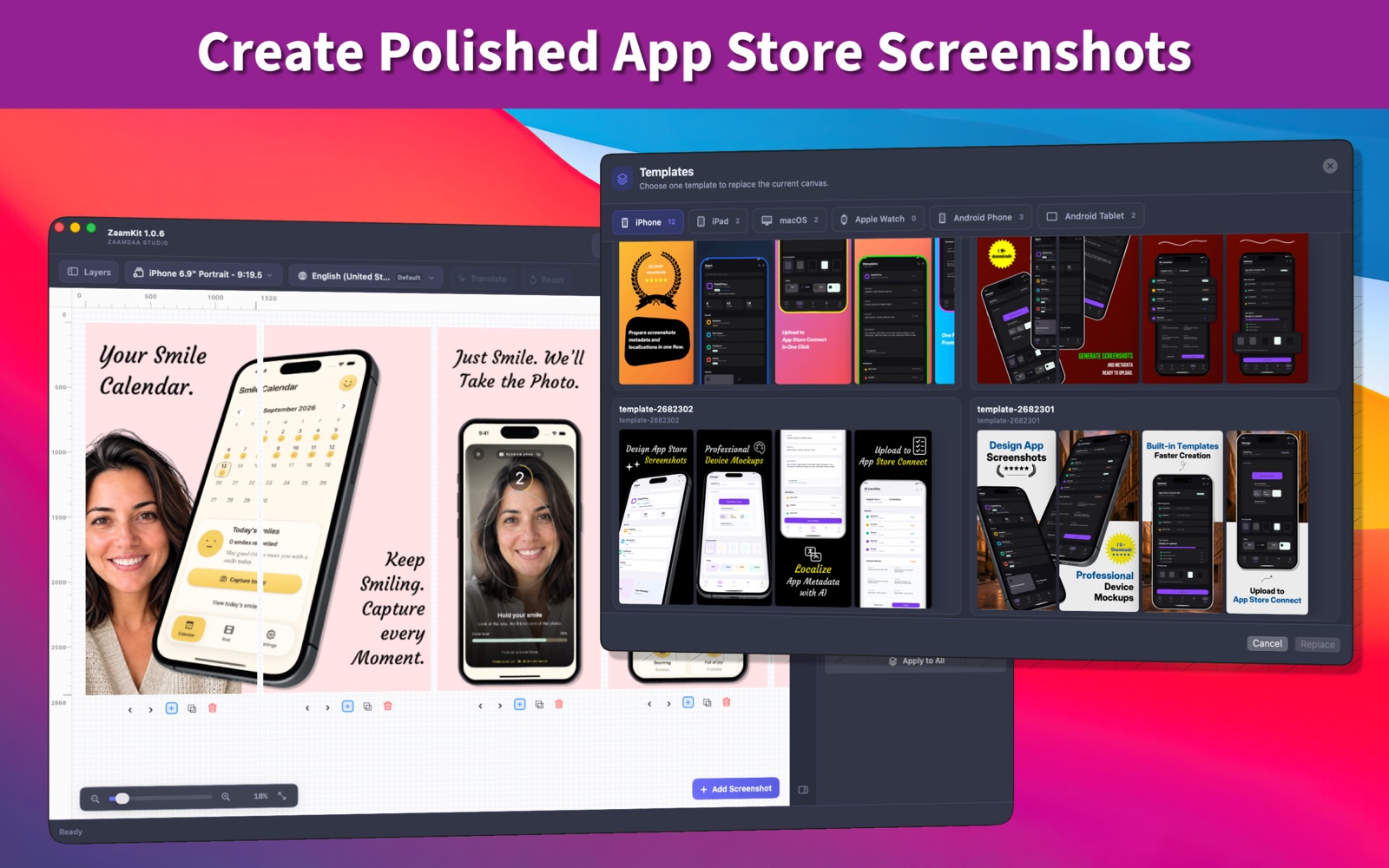
ZaamKit is an App Store screenshot maker for Mac. Design screenshot sets, localize their text, manage listing metadata, and upload your release assets to App Store Connect from one app.
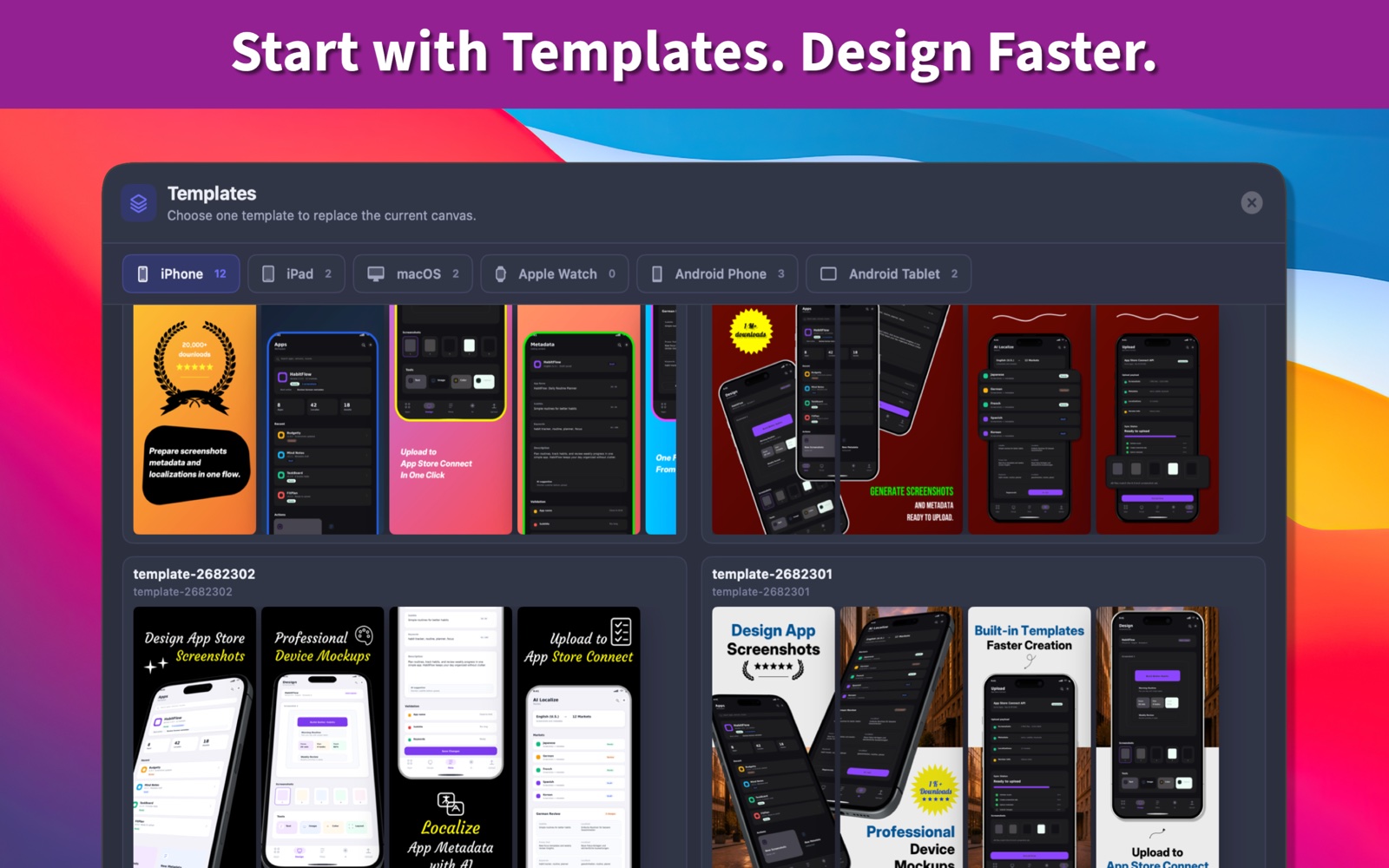
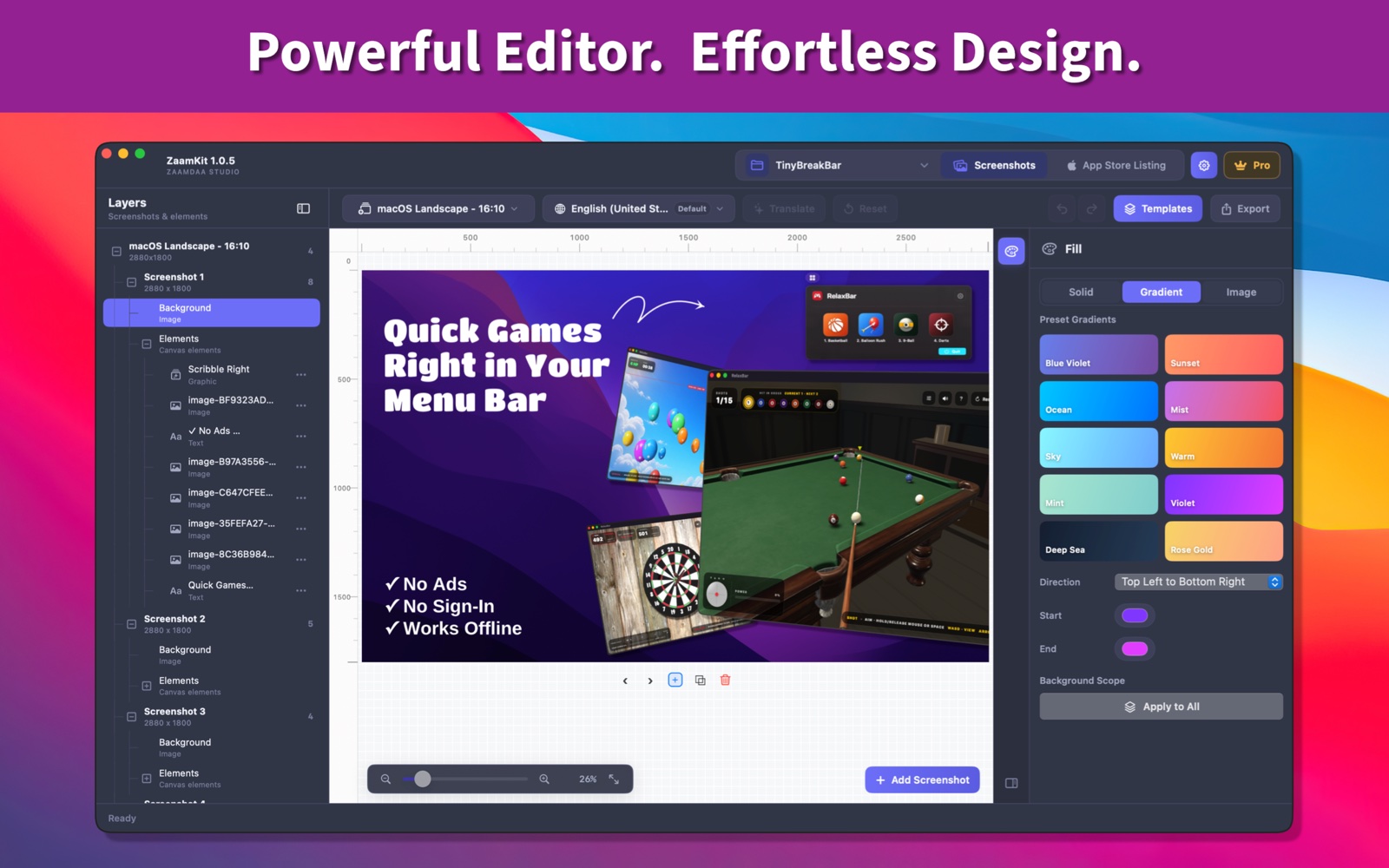
Design App Store screenshots with templates and device frames
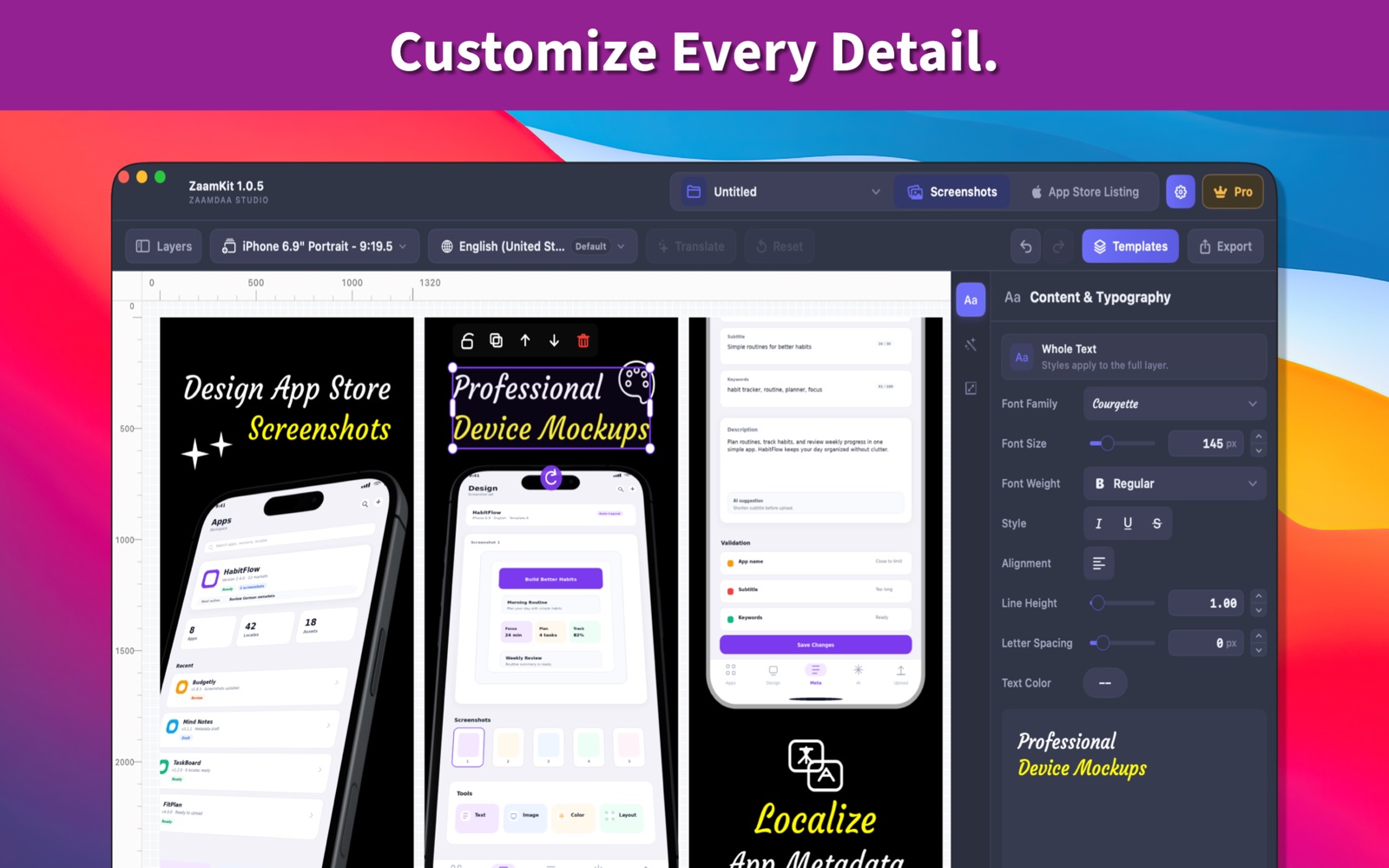
Start with a built-in template, add your app screenshots, and customize the layout. Use layers and precise controls to edit device frames, text, images, graphics, zoom callouts, and backgrounds.
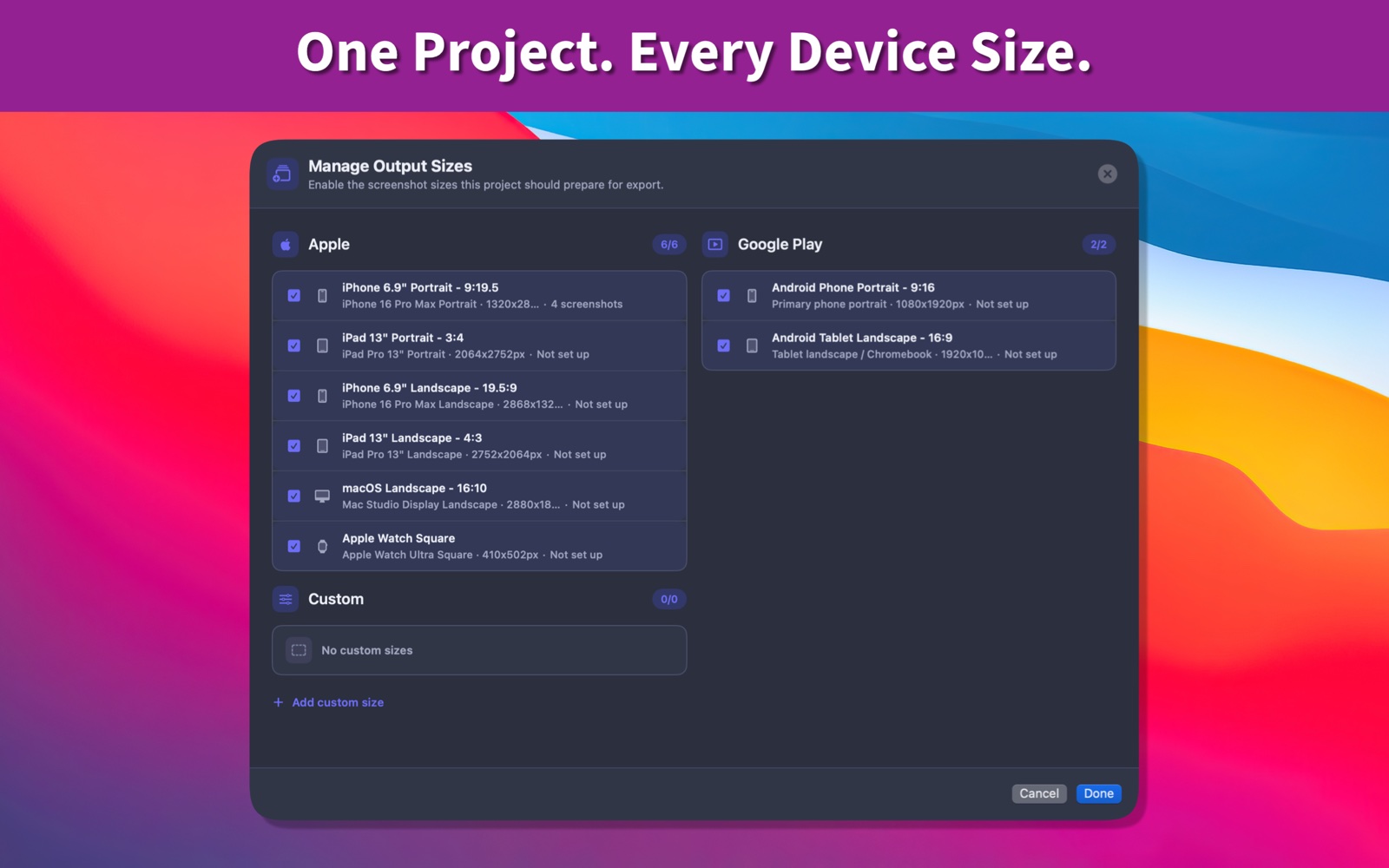
Prepare screenshot sizes for the App Store and Google Play
Create screenshot sets in the required store sizes, or define custom dimensions. Export high-resolution PNG files for each output size and language.
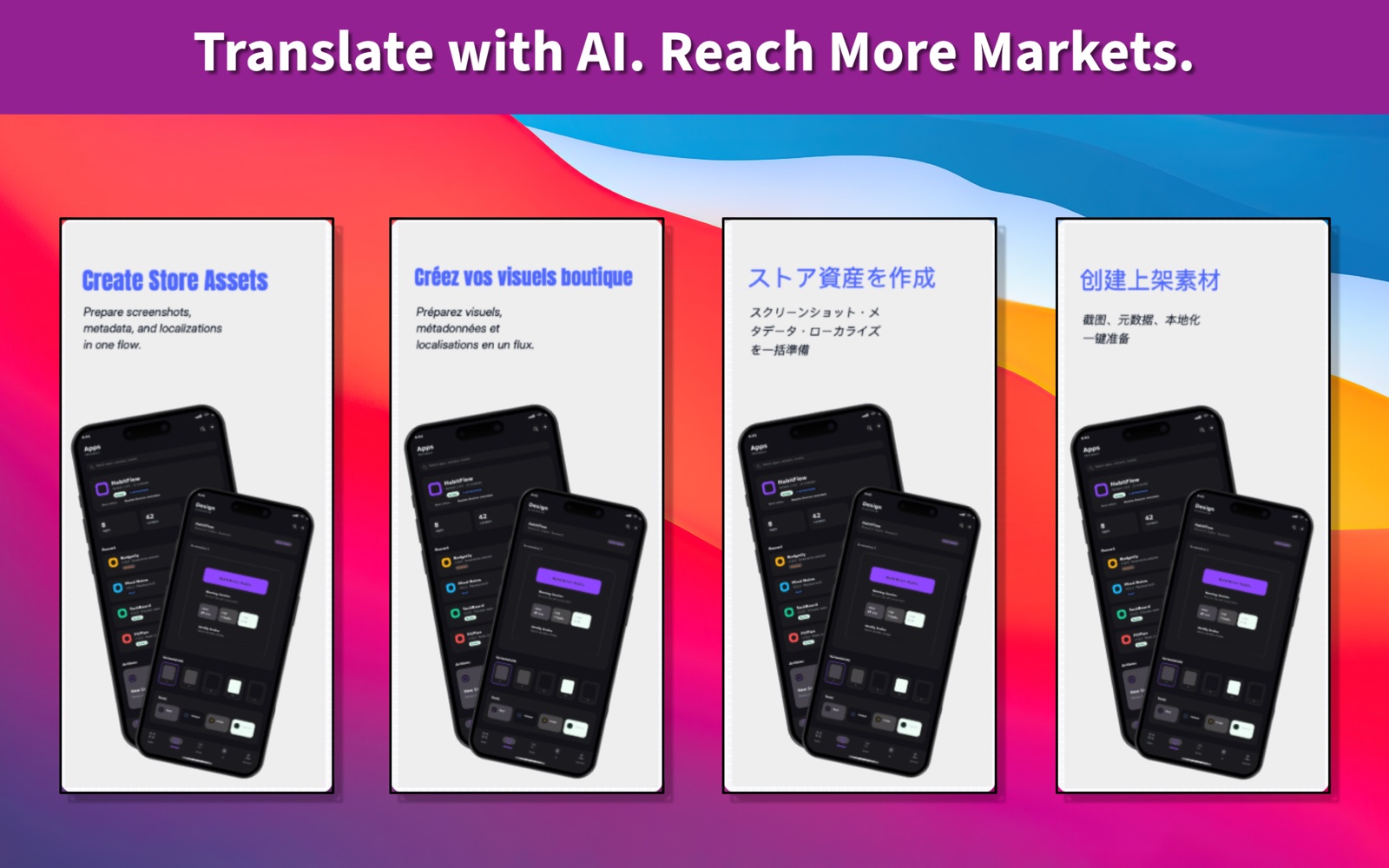
Localize screenshots and App Store listing content
Translate screenshot text and listing metadata with AI, then review and edit each translation. Check character limits and missing content before publishing.
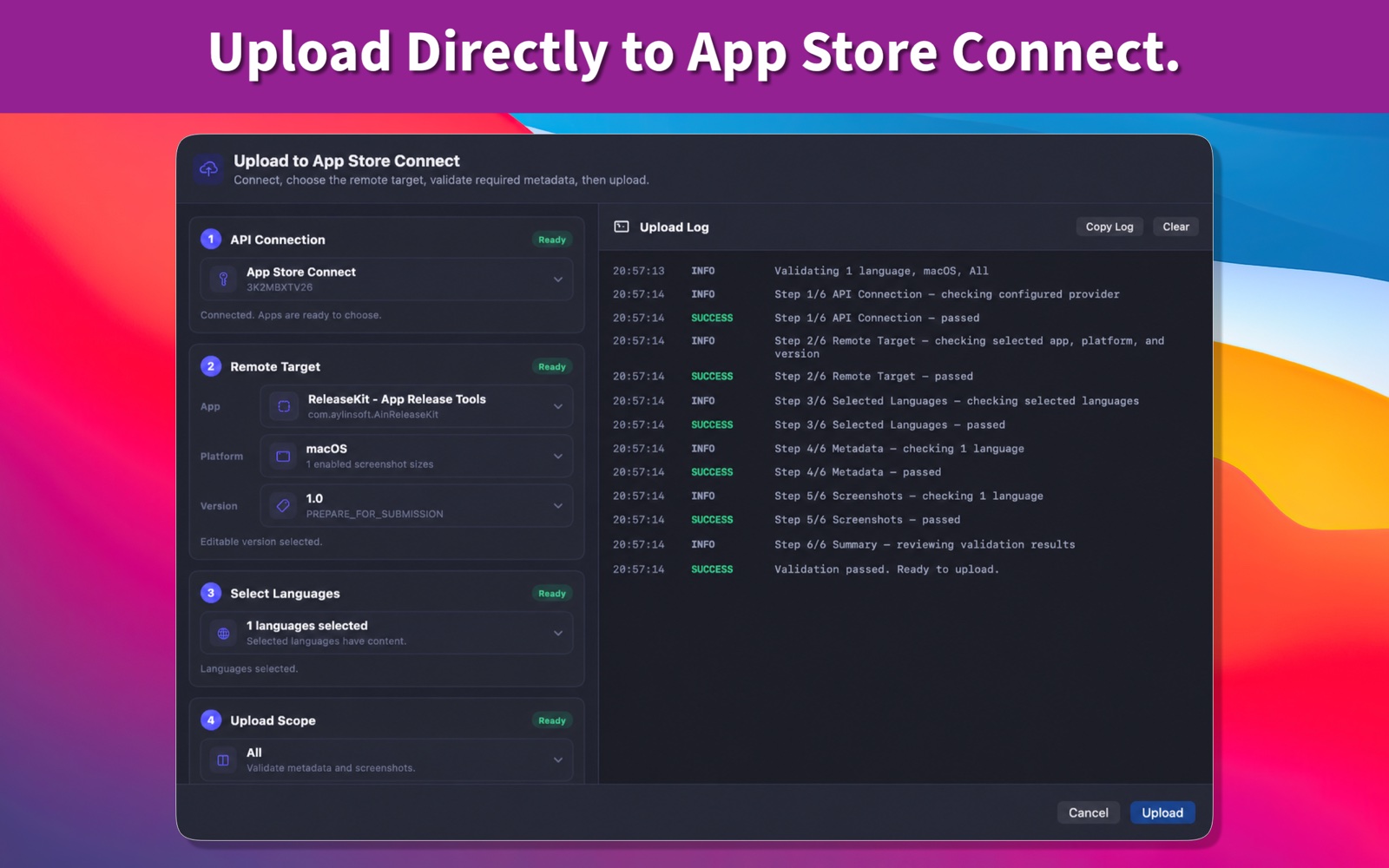
Export your assets or upload to App Store Connect
Prepare a release by choosing your template, editing the screenshots, selecting output sizes, and reviewing localized text. Export PNGs for manual delivery, or upload screenshots and listing metadata directly to App Store Connect.
Keep project files on your Mac
Project files stay on your Mac and are not stored in the cloud. API credentials are stored securely in Keychain.