StreamTester
RTSP & HLS player · iPhone & iPad
Play RTSP cameras and HLS streams on iPhone and iPad. Test your stream URLs, inspect real-time playback stats, and monitor multiple feeds with optional Multiview PRO.
Screenshots
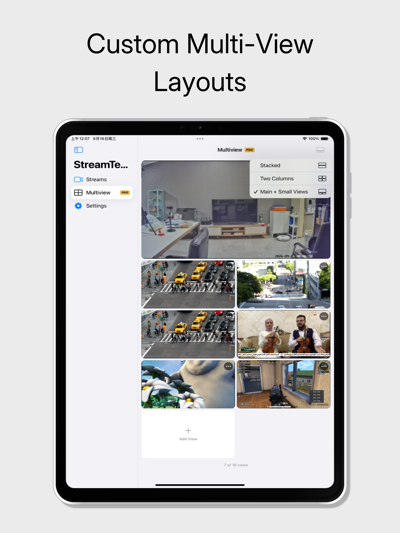
RTSP & HLS player for iPhone & iPad
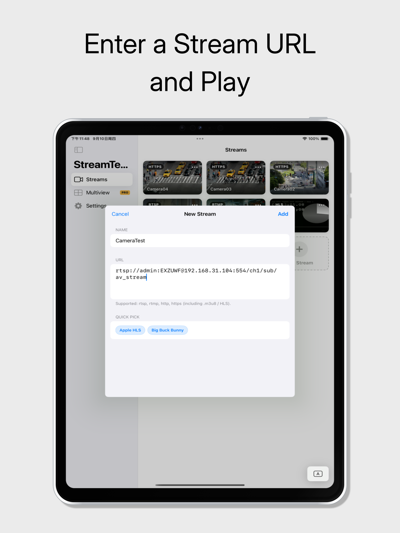
StreamTester is an RTSP and HLS player for iPhone and iPad. Open a stream URL to verify the connection, check video playback, and inspect real-time stream information.
Use it to troubleshoot a camera feed, test a live stream, or verify your encoder’s output.
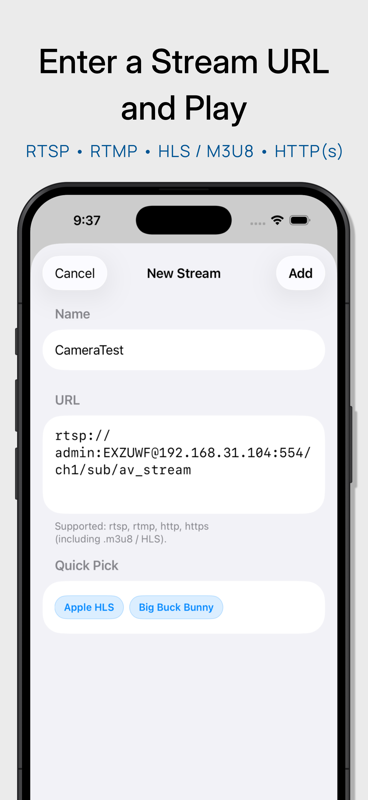
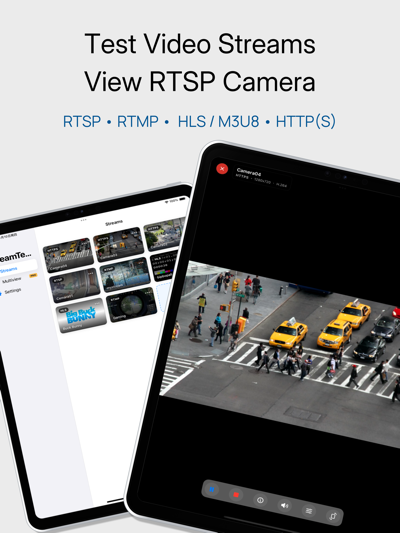
Supported RTSP, RTMP, HLS and M3U8 streams
- RTSP and RTMP
- HLS, including M3U8 playlists
- HTTP and HTTPS video streams
View RTSP cameras on iPhone and iPad
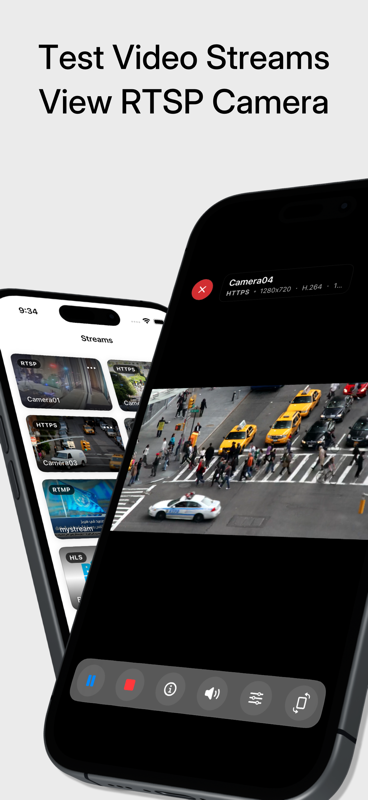
Connect to an RTSP camera or video stream using its URL. View the video output to confirm that the stream connects and plays correctly. Pause playback, mute audio, or reload the stream as needed.
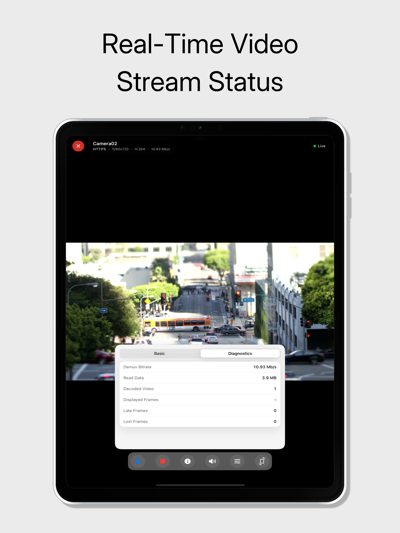
Check real-time stream diagnostics
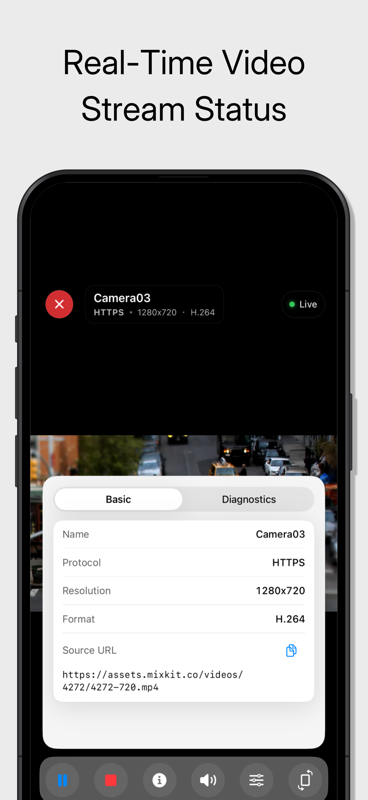
Check connection status, resolution, codec, bitrate, and frame statistics during playback. Inspect decoded and lost frame counts to help identify playback issues.
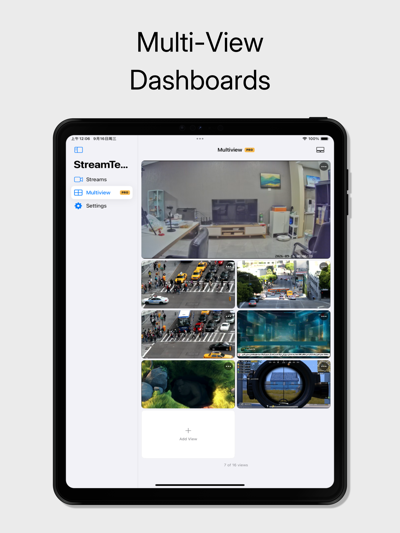
Monitor multiple cameras with Multiview PRO
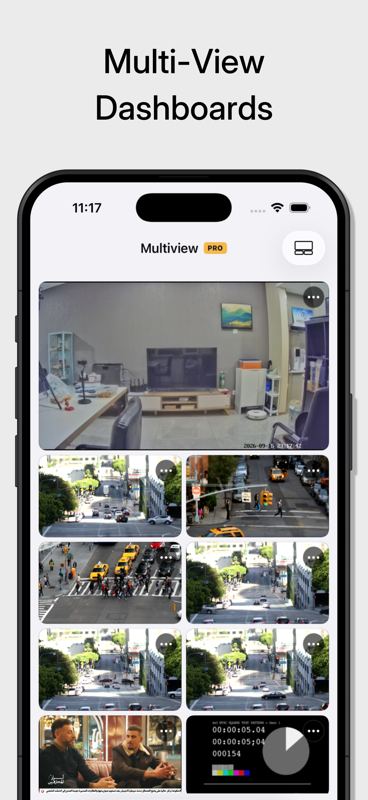
Monitor multiple camera feeds and video streams side by side.
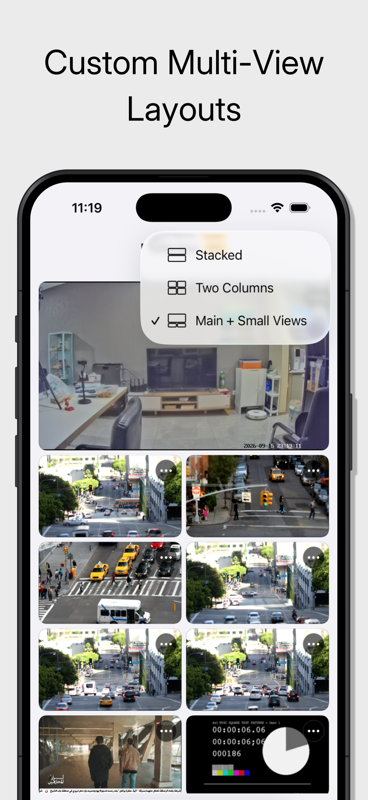
- Choose from multiple viewing layouts.
- Use a grid or a larger main view with smaller feeds alongside it.
- Control audio for each stream.
- Keep your layout and stream selections for the next session.
Free playback and an optional one-time PRO upgrade
Single-stream playback, diagnostics, and stream library management are included for free. You can also use one stream in Multiview.
Upgrade to PRO to view multiple streams together. PRO is an optional one-time in-app purchase with lifetime access. No subscription or recurring fees.
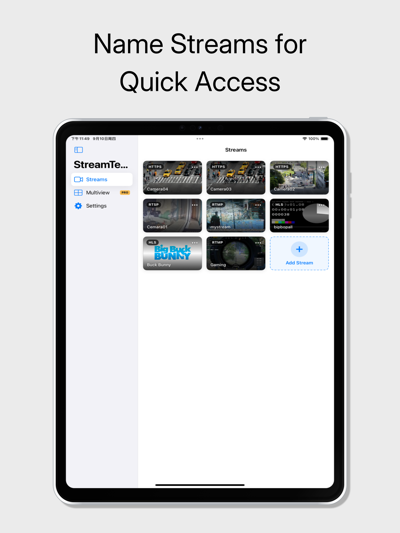
Save your stream URLs in a library
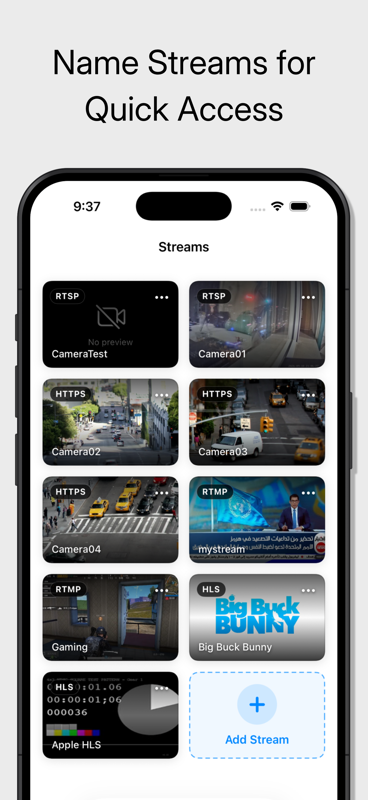
Save and name your stream URLs for easy access. Identify feeds by their thumbnail previews and arrange stream cards in the order you prefer.
Choose your interface language
Choose from 11 interface languages in Settings.
Local storage and direct stream connections
Your saved stream URLs, thumbnails, and settings are stored on your device. Playback connects directly to the source you provide, without a cloud relay.
What you need to play a stream
StreamTester does not include video content or camera services. You need a valid stream URL and network access to the source. IP cameras must provide a supported stream, such as RTSP.
Testing at your desk? Explore StreamTester, the RTSP and HLS player for Mac.
Powered by VLC.
Terms of Use (EULA):
https://www.apple.com/legal/internet-services/itunes/dev/stdeula/
Privacy Policy:
https://www.zaamdaastudio.com/products/netstream-tester/privacy/